Storyboarding
Write Short Narration That Leaves Room for the Image
Narration works best when it adds meaning instead of describing everything already visible. A short script also leaves space for the viewer to absorb the scene and for the voice to sound natural.
A practical approach
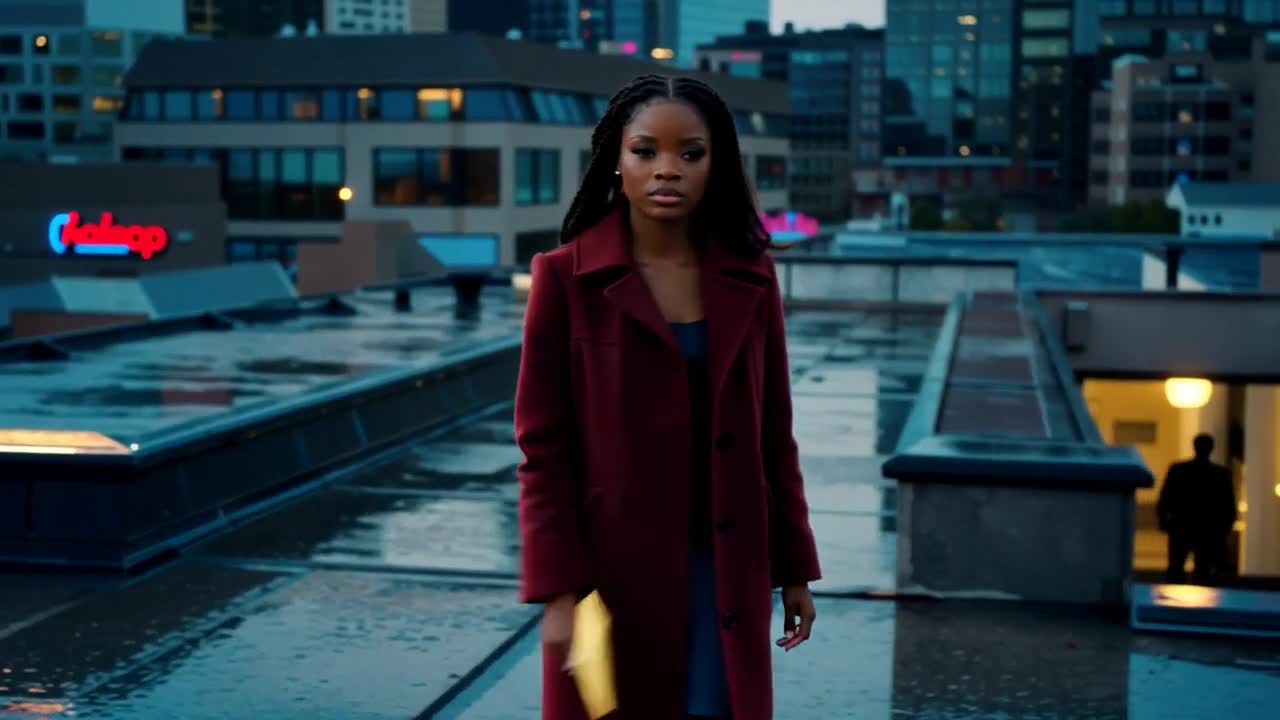
- Write the visual action first, then decide what the voice adds. A character holding an envelope does not need narration saying that they are holding an envelope.
- Read the script aloud at a comfortable pace. Remove clauses that force a rushed delivery, and leave intentional pauses around important visual changes.
- Check names, pronunciation and tone before generating a final voice track. Review the available language and voice options in the tool rather than assuming every option supports the same result.
An example to adapt
Use this as a creative brief, then adjust it to your own subject and the controls available in your chosen tool.
Visual brief for narration: a woman stands on a rooftop at dusk with an unopened envelope. Slow push toward her thoughtful expression. Narration draft: She had promised never to return. Tonight, the letter changed that.
Before you publish
Play the voice against the rough scene. If the sentence ends long after the visual beat or explains too much, shorten the script before adjusting the whole edit.
Try the idea in Carivio
Explore the studio, choose an available workflow and review the displayed settings and credit cost before creating. AI results can vary; check the output against your brief and use only reference material you have permission to use.
Explore this creative workflow →