Storyboarding
Make Every Storyboard Panel Answer a Question
A storyboard is more useful when each panel explains why a shot exists. Pretty frames alone do not tell you whether the audience will understand the story. Add a simple question beside each planned scene.
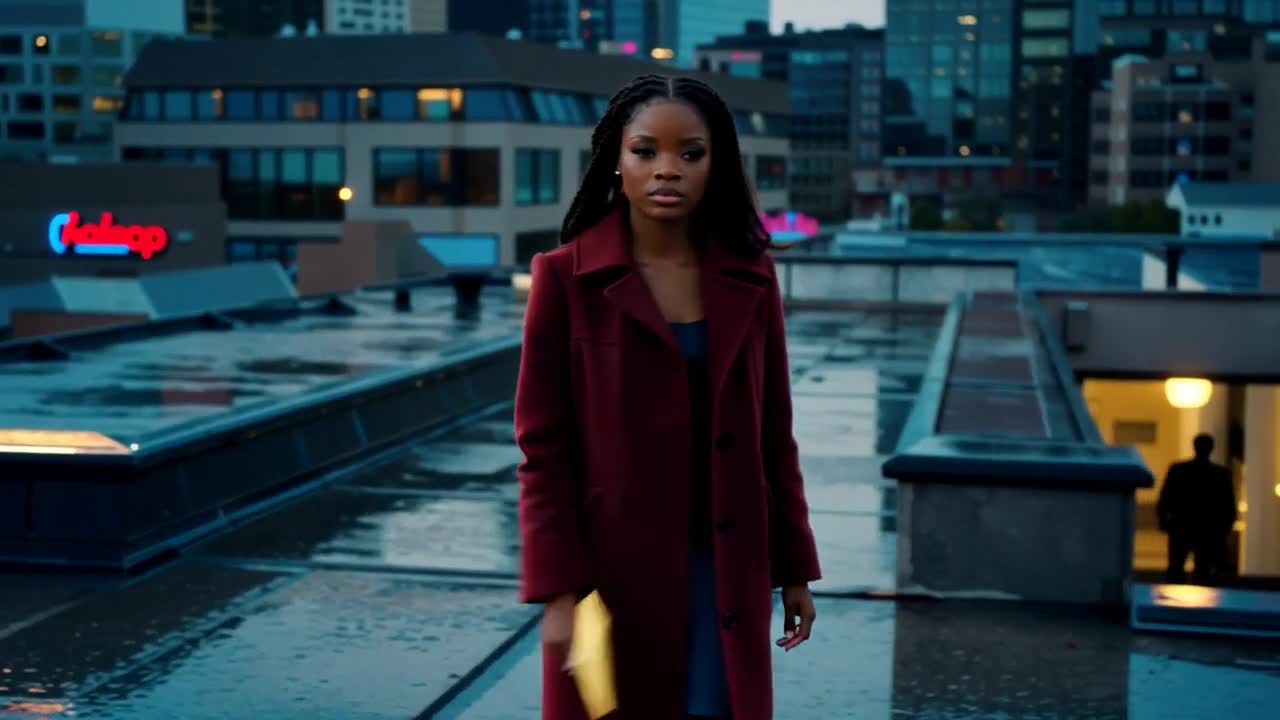
A practical approach
- For the opening, ask where we are and whose story this is. A wider shot can answer both questions without dialogue if the character and setting are clear.
- For the middle, ask what changes. Show a new object, reaction or decision rather than another version of the opening composition.
- For the ending, ask what the viewer should expect next. Frame the final image around that information, and remove details that compete with it.
An example to adapt
Use this as a creative brief, then adjust it to your own subject and the controls available in your chosen tool.
Storyboard detail shot: a sealed cream envelope resting beside a small silver pendant on a rooftop table. Cool evening light, fixed camera, both objects clearly separated, no readable writing.
Before you publish
Read the panels without the script. If the visual sequence is confusing, revise the shot order or add a clearer transition before generating the finished scenes.
Try the idea in Carivio
Explore the studio, choose an available workflow and review the displayed settings and credit cost before creating. AI results can vary; check the output against your brief and use only reference material you have permission to use.
Explore this creative workflow →