Storyboarding
Plan a One-Minute Story as Smaller Scenes
A one-minute idea becomes easier to manage when you divide it into story beats. Treat the minute as an editing plan, not a promise that one generation will produce a complete, consistent film.
A practical approach
- Outline an opening, a development and a payoff. Give each part a clear action or piece of information, then divide those parts into the individual shots you need.
- Estimate how long viewers need to understand each shot. A simple object detail may need less screen time than a reaction or a new setting. Leave space for transitions and any narration.
- Check the durations available in your current studio workflow. Generate only the clips you need, then assemble them in an editor when your desired final length exceeds a single supported output.
An example to adapt
Use this as a creative brief, then adjust it to your own subject and the controls available in your chosen tool.
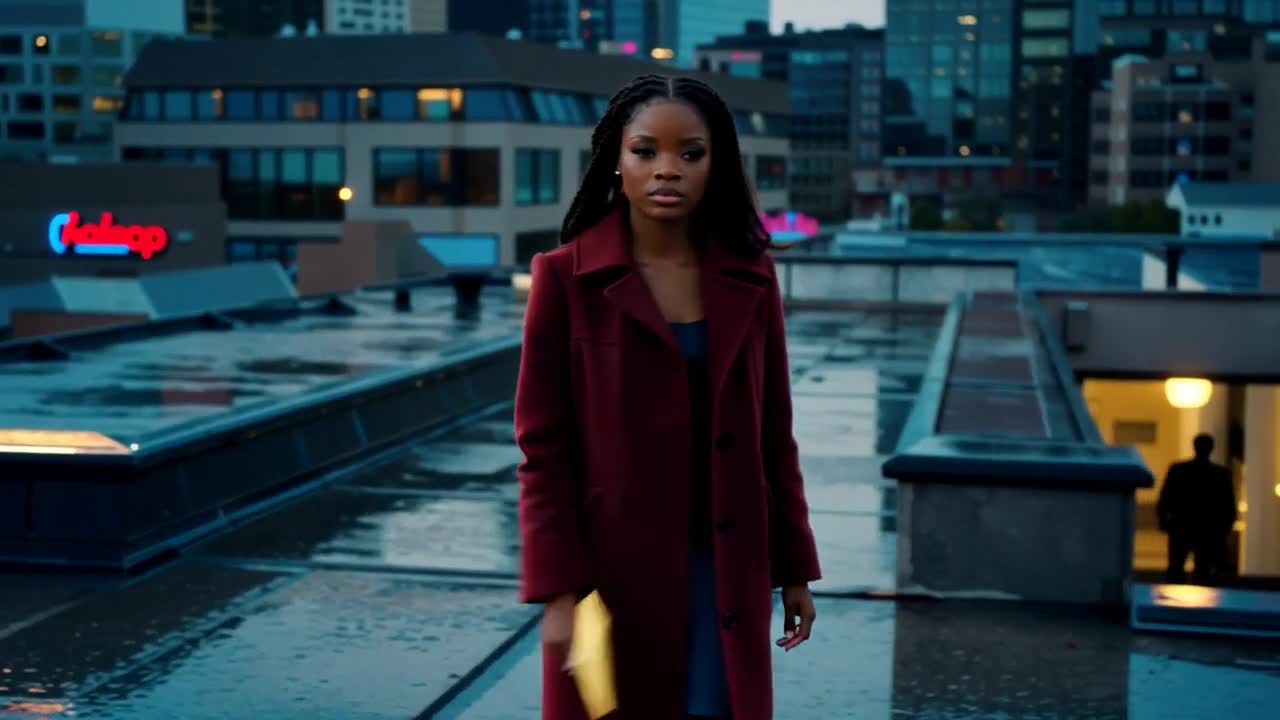
Opening scene for a short mystery: an adult woman enters a quiet rooftop terrace at dusk and pauses beside a table. Wide establishing composition, one slow forward camera move, restrained motion.
Before you publish
Time a rough sequence before polishing it. Remove repeated information first if the story runs long. More clips can increase cost and continuity problems without improving the story.
Try the idea in Carivio
Explore the studio, choose an available workflow and review the displayed settings and credit cost before creating. AI results can vary; check the output against your brief and use only reference material you have permission to use.
Explore this creative workflow →