Stories & series
Use an Object Detail to Connect Two Story Scenes
An object can carry a story transition when a character changes location or when two generated shots do not match perfectly. The detail should have a narrative purpose, not simply hide an editing problem.
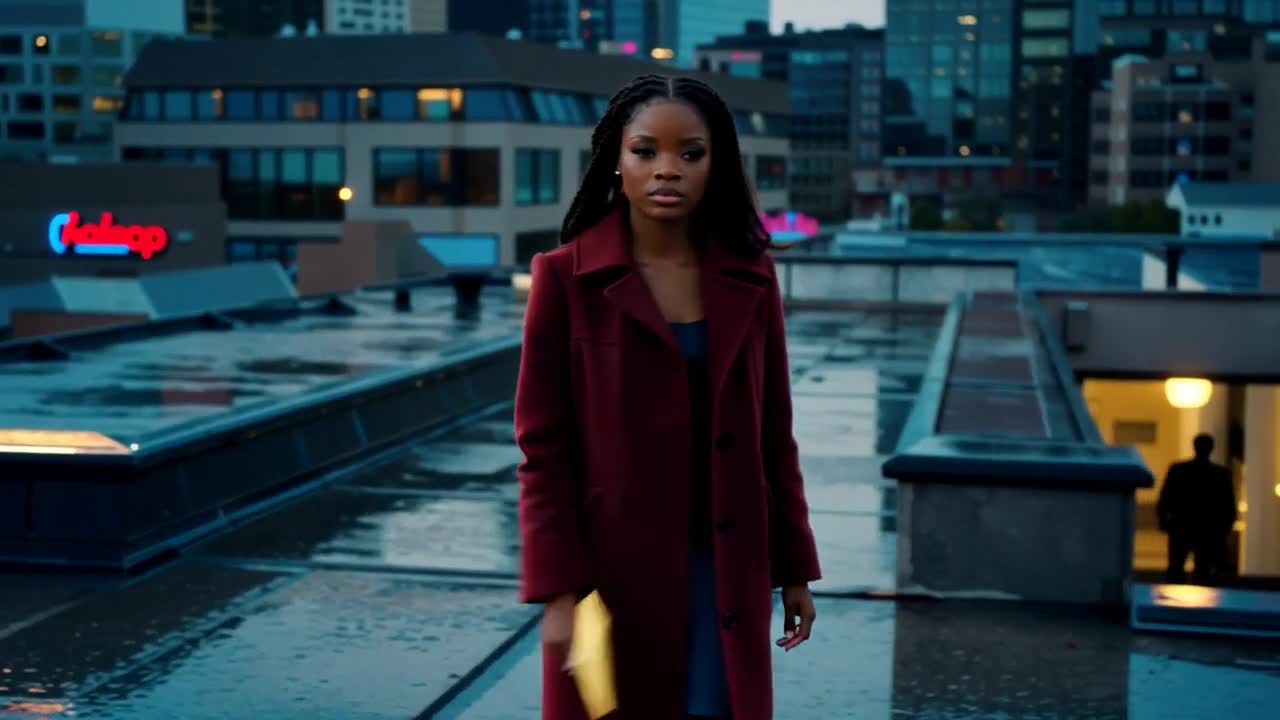
A practical approach
- Choose an object the viewer already understands: a key, an envelope or a notebook. Establish its importance before using it as the center of a transition.
- Plan a close-up with a quiet background. Keep the object’s color, shape and orientation consistent with the surrounding scenes so it feels like the same item.
- Return from the detail to a shot that advances the story. A reaction or a changed situation is more useful than another unrelated close-up.
An example to adapt
Use this as a creative brief, then adjust it to your own subject and the controls available in your chosen tool.
Close-up of a small brass key beside a closed cream envelope on dark wood. Soft cool light from the left, camera locked, no hands entering, clear separation between the two objects.
Before you publish
Check the object in all connected shots. If the key changes shape or the envelope changes color, the transition may create a new continuity problem instead of solving one.
Try the idea in Carivio
Explore the studio, choose an available workflow and review the displayed settings and credit cost before creating. AI results can vary; check the output against your brief and use only reference material you have permission to use.
Explore this creative workflow →