Stories & series
Keep Locations Consistent Across Generated Scenes
A recurring location helps connect a series, but small background changes can make it feel like a different place. A location brief lets you distinguish essential features from details that can vary harmlessly.
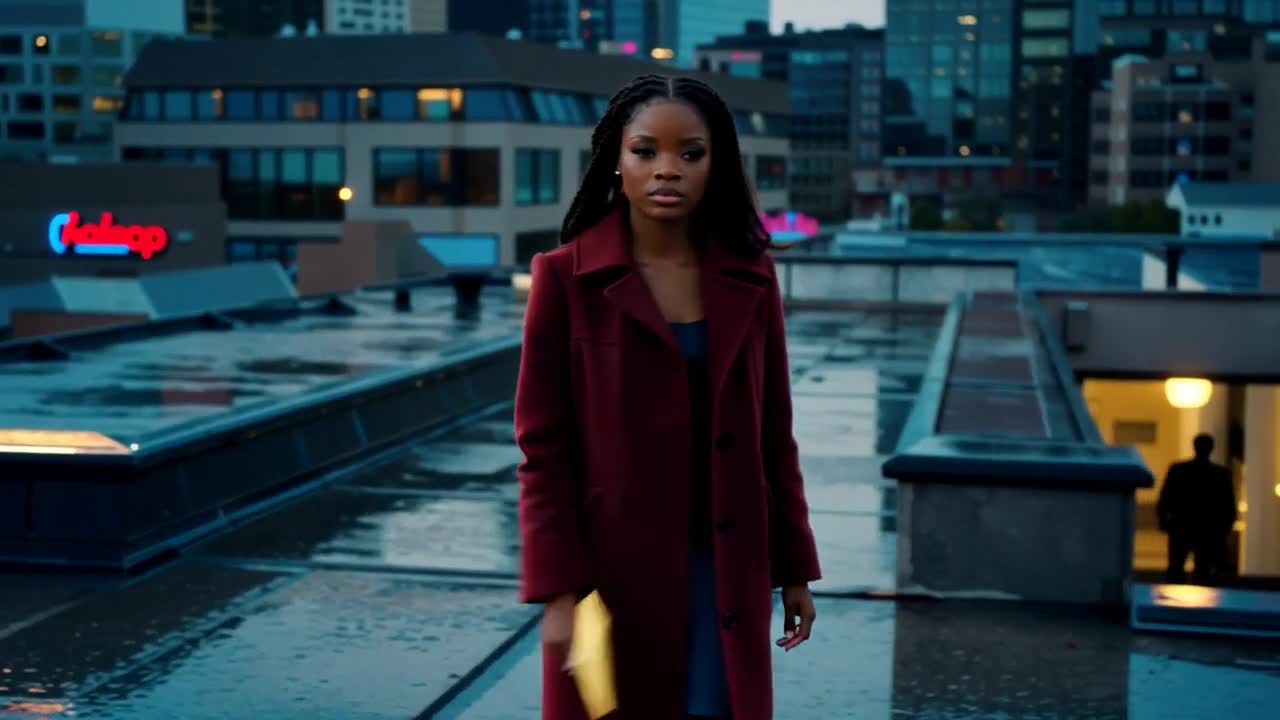
A practical approach
- Record a few anchors: wall color, main doorway, large furniture and light direction. Reuse those descriptions in each scene rather than inventing a new room description every time.
- Choose angles that preserve recognizable landmarks. A table or window can connect a close shot to a wider scene even when minor background details differ.
- Review neighboring shots together. If a door moves to the opposite wall or daylight changes unexpectedly, decide whether the story permits that change before accepting the result.
An example to adapt
Use this as a creative brief, then adjust it to your own subject and the controls available in your chosen tool.
The same small rooftop terrace with a dark wooden table, a pale concrete wall and a doorway on the left. Blue-hour city light in the distance, fixed camera facing the table, no additional furniture.
Before you publish
Keep a simple location reference sheet with approved frames. It is easier to maintain a few strong anchors than to demand perfect reproduction of a cluttered environment.
Try the idea in Carivio
Explore the studio, choose an available workflow and review the displayed settings and credit cost before creating. AI results can vary; check the output against your brief and use only reference material you have permission to use.
Explore this creative workflow →