Product ideas
Show Jewelry Detail Without Losing Its Shape
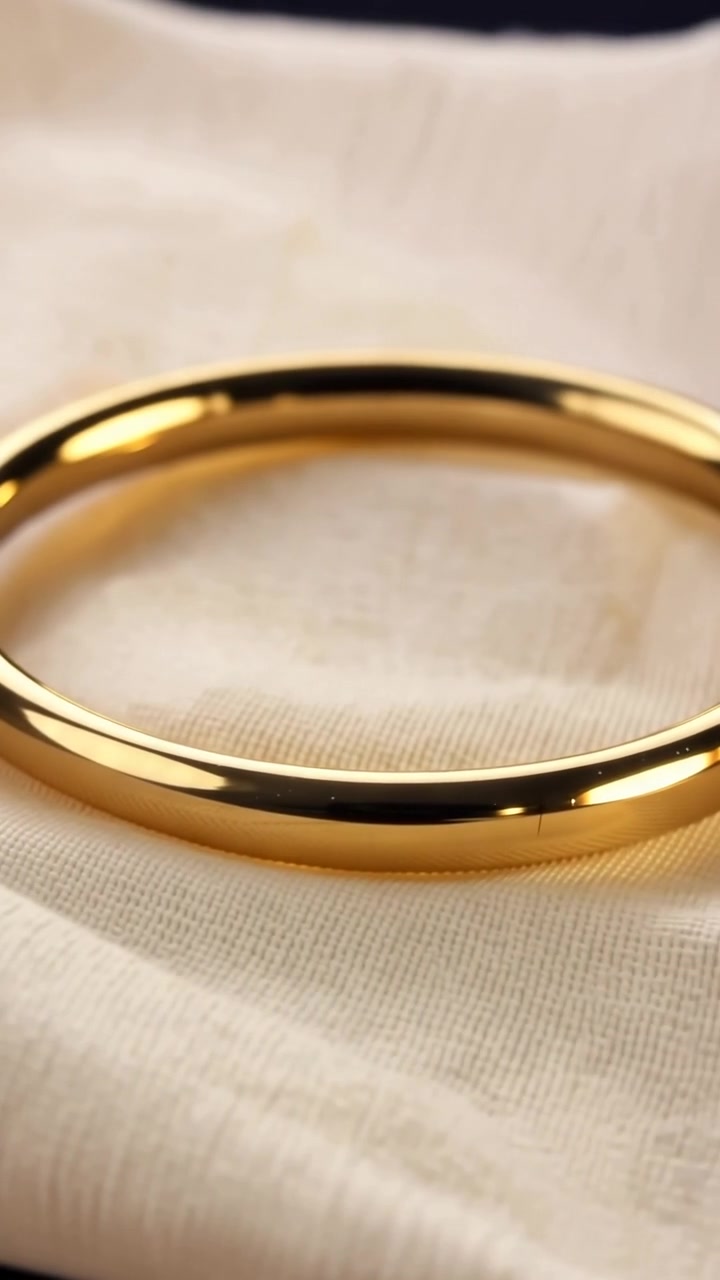
Small jewelry pieces can disappear in a wide frame, while an extreme close-up can make them look like an abstract object. Choose a framing that shows both the design and the material.
A practical approach
- Use one piece as the subject and avoid overlapping chains or several similar rings. A simple support or fabric fold can provide scale without taking attention away.
- Ask for a controlled highlight rather than constant sparkling. A slow change in reflection can communicate the surface while keeping the outline stable.
- Keep the first clip free of hand movements. Once the object is reliable, you can evaluate a more complex lifestyle scene separately rather than tying every requirement to one generation.
An example to adapt
Use this as a creative brief, then adjust it to your own subject and the controls available in your chosen tool.
One gold-toned ring resting on a folded cream fabric surface. Close framing shows the whole ring and its setting. Soft side light, restrained highlight, slow camera push, neutral background.
Before you publish
Count visible stones and check the setting, band shape and clasp where relevant. Do not describe generated shine as proof of the item’s material or quality.
Try the idea in Carivio
Explore the studio, choose an available workflow and review the displayed settings and credit cost before creating. AI results can vary; check the output against your brief and use only reference material you have permission to use.
Explore this creative workflow →