Product ideas
Show a Handmade Product Through Texture
For a handmade object, small variations in texture can be the story. A close, calm presentation gives viewers time to notice those details without implying a production process that was never filmed.
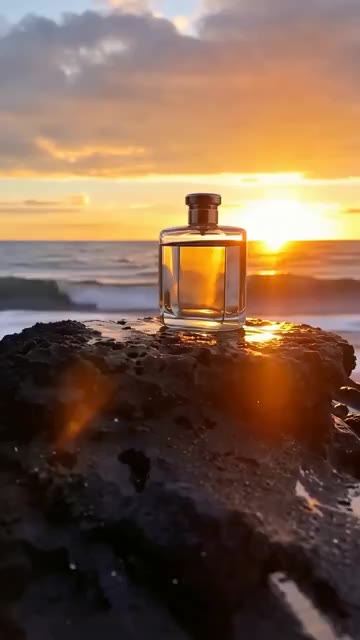
A practical approach
- Choose a surface detail that is genuinely part of the object, such as a ceramic glaze or woven pattern. Use a reference photo with enough detail to assess the result.
- Light from the side to reveal depth, but avoid harsh shadows that hide the form. Keep background props minimal so the material remains the focus.
- Separate a product showcase from a process demonstration. If you want to show how the object is made, use real process footage or clearly describe a generated scene as illustrative.
An example to adapt
Use this as a creative brief, then adjust it to your own subject and the controls available in your chosen tool.
A handmade ceramic vase on a plain wooden shelf. Soft side light reveals the uneven glaze and rounded shape. Slow camera move closer, simple warm background, no hands or tools.
Before you publish
Compare the generated texture with the actual object. Do not let the image add decoration, engraving or construction details that the customer’s item will not have.
Try the idea in Carivio
Explore the studio, choose an available workflow and review the displayed settings and credit cost before creating. AI results can vary; check the output against your brief and use only reference material you have permission to use.
Explore this creative workflow →