Product ideas
Build a Clean Tech Accessory Ad
Tech accessories often need a clear explanation of shape and use before decorative effects. A simple presentation can feel precise while leaving room for factual product copy in the final edit.
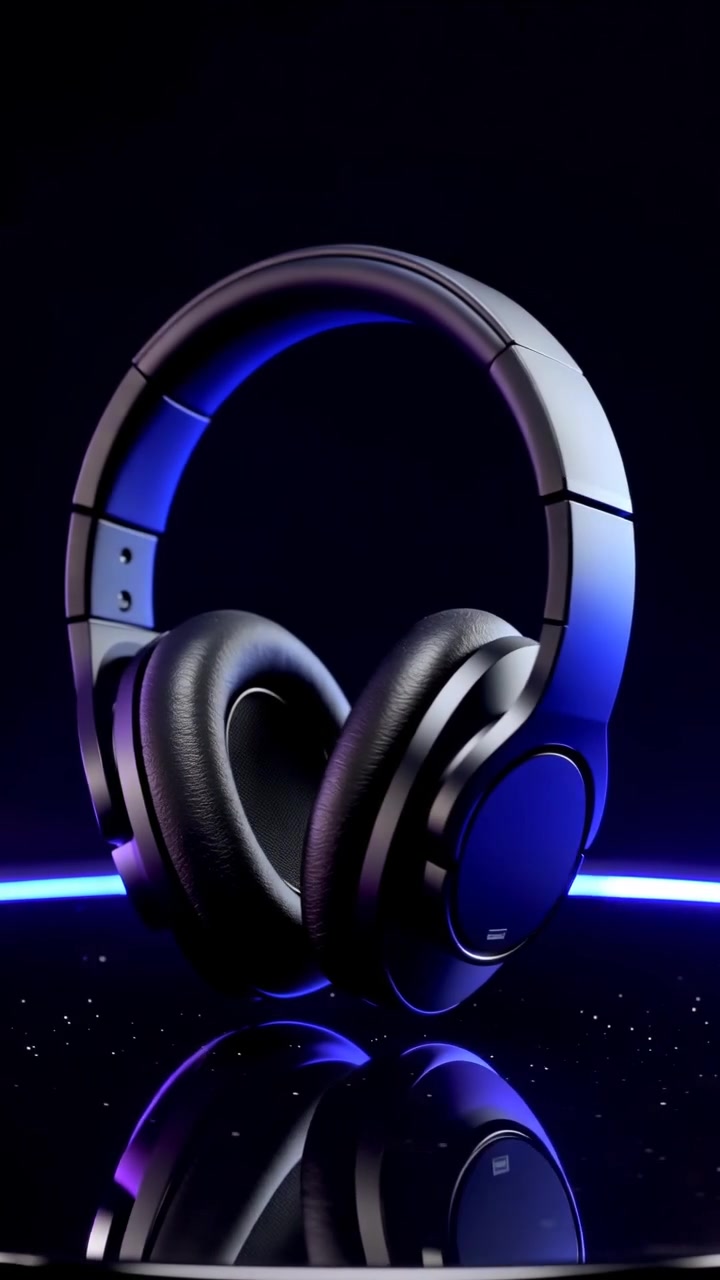
A practical approach
- Choose the real distinguishing feature you want to show: compact size, a fold, a stand or a visible control. Avoid requesting invented screens, ports or extra buttons.
- Use a background that separates the product’s edges. Dark equipment on a dark background usually needs an intentional rim light to remain recognizable.
- Keep performance claims outside the generated scene. If you mention battery life, compatibility or charging speed, verify that information from your own product documentation first.
An example to adapt
Use this as a creative brief, then adjust it to your own subject and the controls available in your chosen tool.
A compact matte-white wireless speaker on a deep-blue pedestal. Soft rim lighting defines the edges, clean background, slow lateral camera movement, no screen animations or added cables.
Before you publish
Check ports, seams and button placement against the real product. A clip should support accurate information, not create features the product does not have.
Try the idea in Carivio
Explore the studio, choose an available workflow and review the displayed settings and credit cost before creating. AI results can vary; check the output against your brief and use only reference material you have permission to use.
Explore this creative workflow →