Product ideas
Make a Sneaker Reveal Easy to Follow
A sneaker reveal should help viewers understand the silhouette before it asks them to admire a detail. Fast rotation or heavy effects can hide the very design you want to show.
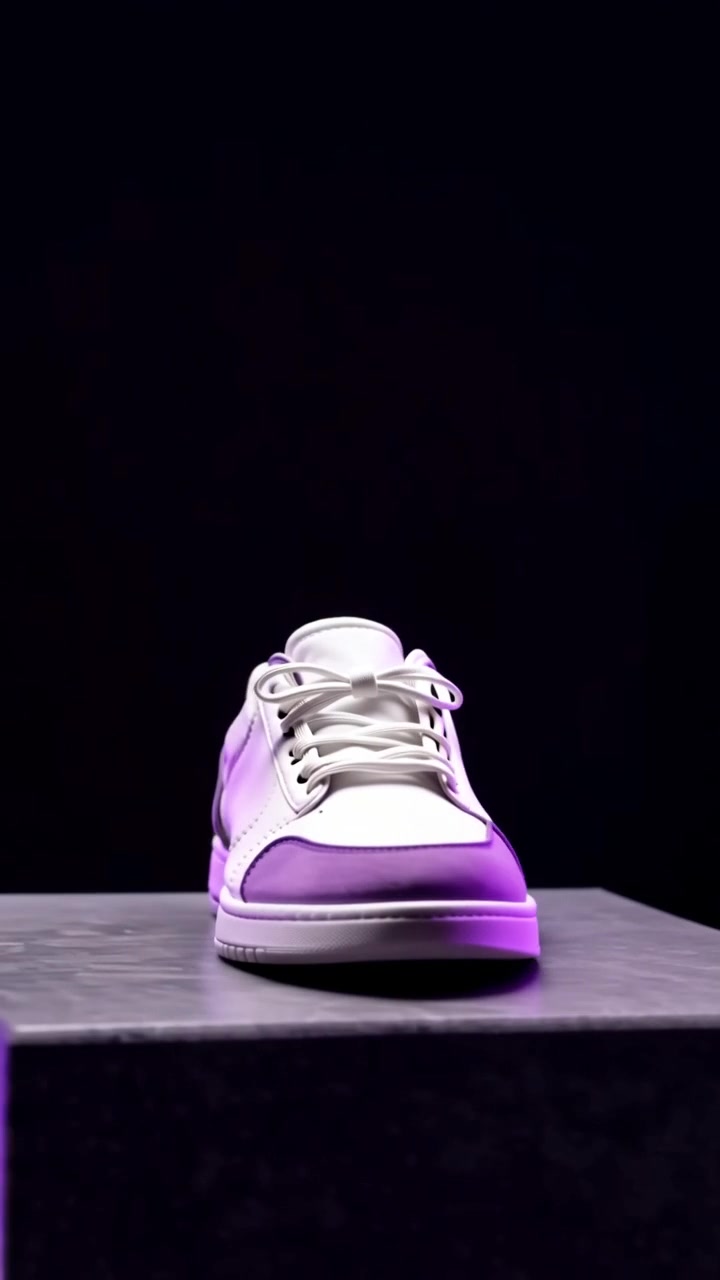
A practical approach
- Start from a three-quarter view where the toe, side and sole are visible. Use a reference photo with clean separation between the shoe and its background.
- Choose one movement: a slow camera slide or a gentle push. Avoid combining a spinning shoe, moving platform and rapid zoom in the first attempt.
- Plan a separate detail shot for stitching or material. Keep the color palette and light direction consistent so the close-up feels connected to the opening.
An example to adapt
Use this as a creative brief, then adjust it to your own subject and the controls available in your chosen tool.
A single cream sneaker on a low charcoal platform, three-quarter side view. Soft directional light reveals the fabric and sole. Slow camera slide from left to right, shoe remains still and fully supported.
Before you publish
Compare the lace pattern, sole thickness and toe shape with the real item. An attractive but inaccurate design should not be presented as the product customers will receive.
Try the idea in Carivio
Explore the studio, choose an available workflow and review the displayed settings and credit cost before creating. AI results can vary; check the output against your brief and use only reference material you have permission to use.
Explore this creative workflow →