Product ideas
Create a Food Close-Up That Still Looks Believable
Food creative works best when the viewer can recognize the ingredients and serving scale. Excessive shine, impossible steam or unstable utensils can distract from an otherwise appealing shot.
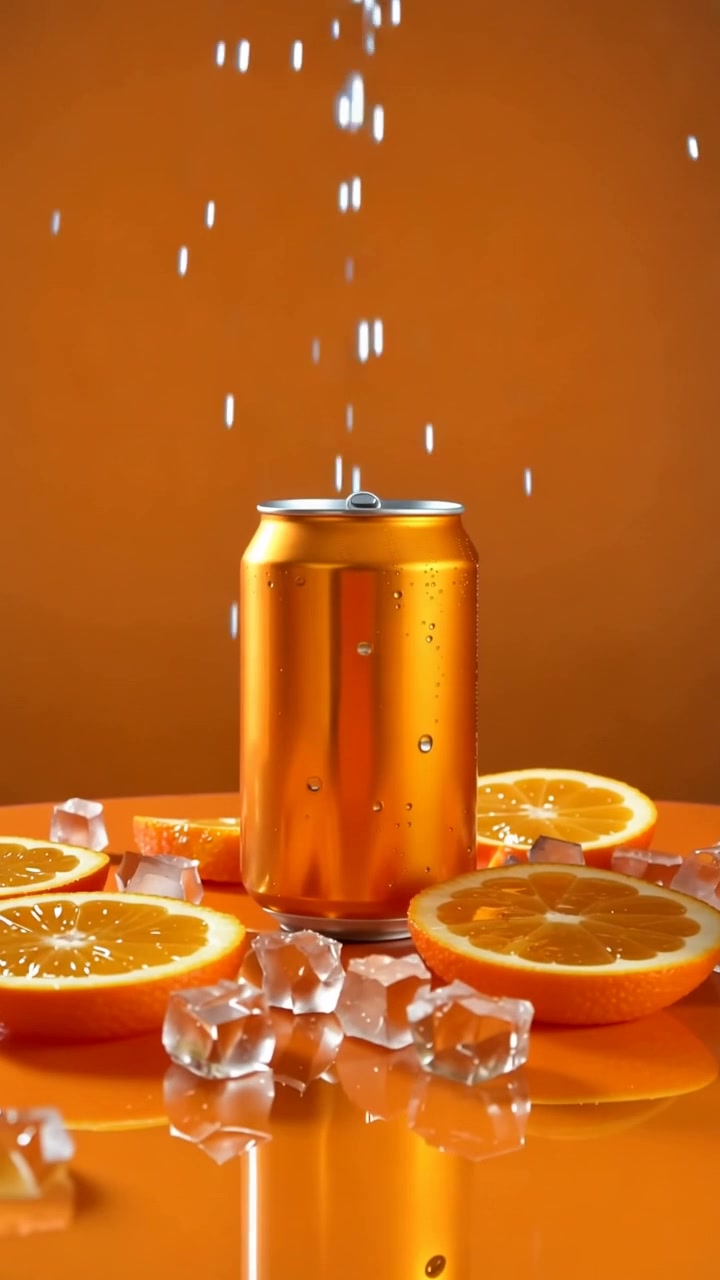
A practical approach
- Choose one dish and one visual detail to emphasize, such as a crisp edge or a cut surface. A simple plate and restrained garnish leave the food easier to read.
- Keep the motion modest. A slow camera move is easier to evaluate than a complex action involving hands, cutlery and moving food in the same short clip.
- Use the real product or dish as the accuracy reference. Describe lighting and composition without asking the model to invent a larger portion or ingredients that are not actually included.
An example to adapt
Use this as a creative brief, then adjust it to your own subject and the controls available in your chosen tool.
A close-up of a toasted sandwich cut in half on a plain ceramic plate. Soft window light shows the bread texture. Slow camera push, realistic serving size, quiet café background, no hands or cutlery movement.
Before you publish
Inspect the cut surfaces and ingredient continuity. If the image represents a menu item, ensure the final presentation matches what customers can actually order.
Try the idea in Carivio
Explore the studio, choose an available workflow and review the displayed settings and credit cost before creating. AI results can vary; check the output against your brief and use only reference material you have permission to use.
Explore this creative workflow →