AI photos
Create a Clean AI Product Photo Background
A product background should make the item easier to see. Before adding elaborate scenery, decide whether the image is a straightforward showcase or a mood concept for a campaign.
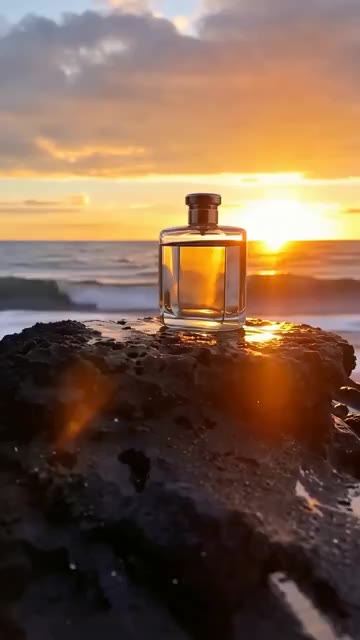
A practical approach
- For a clean showcase, use a simple surface with a clear horizon or a seamless background. Keep the product large enough that its silhouette reads at a small size.
- Choose a background color that separates from the package. A pale bottle may need a slightly darker surface, while a dark object can benefit from a lighter backdrop.
- Keep shadows consistent with the lighting. A soft shadow can ground the object; several conflicting shadows can make it feel pasted into the scene.
An example to adapt
Use this as a creative brief, then adjust it to your own subject and the controls available in your chosen tool.
A matte ivory bottle centered on a warm gray seamless background, soft side light, one natural shadow beneath it, clean product photography composition, no extra objects or decorative text.
Before you publish
Inspect the base and edges for a believable connection to the surface. If the image represents a real product, compare its proportions and color with an approved photograph.
Try the idea in Carivio
Explore the studio, choose an available workflow and review the displayed settings and credit cost before creating. AI results can vary; check the output against your brief and use only reference material you have permission to use.
Explore this creative workflow →